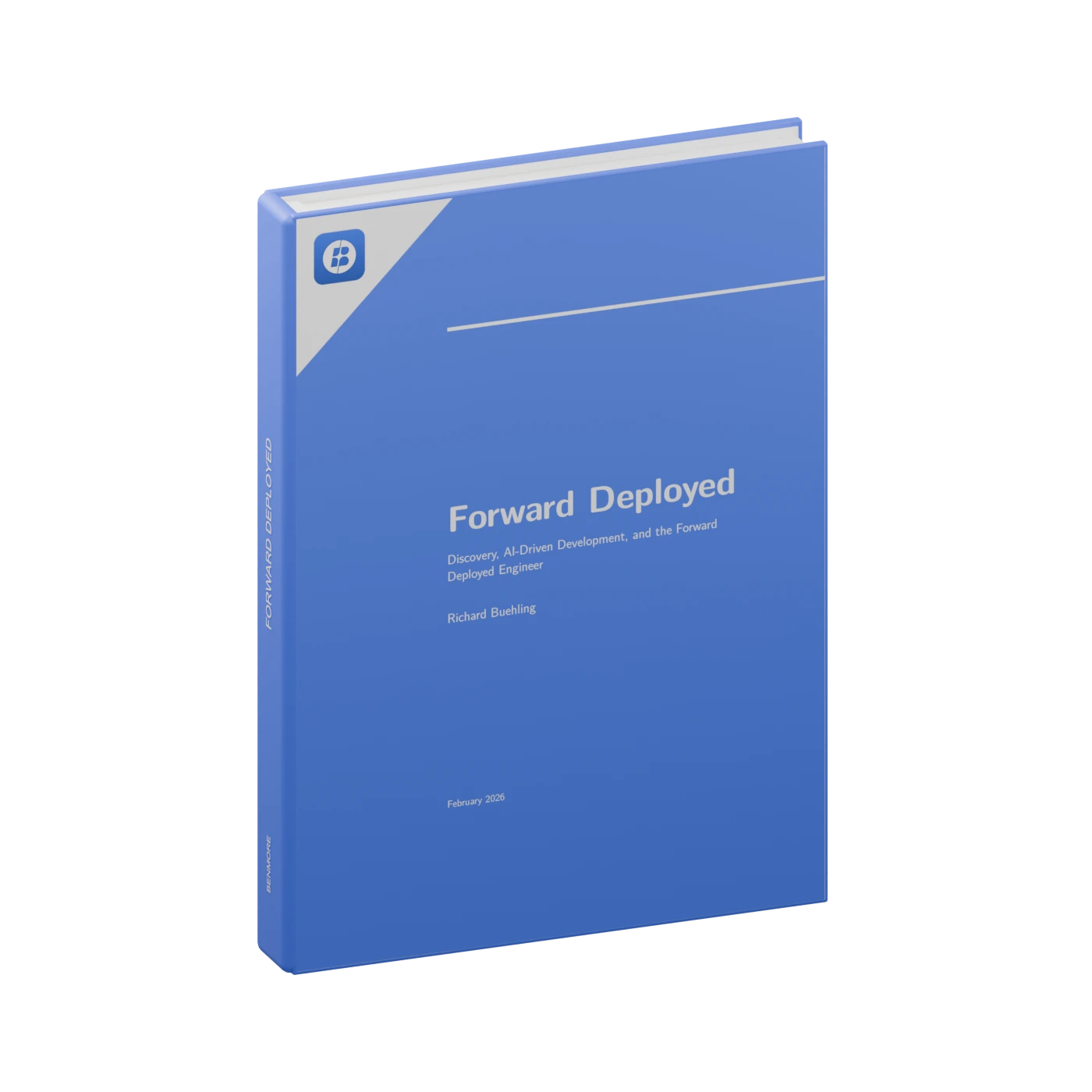



Forward Deployed, the Benmore book, is out Read more →

Benmore Substrate

An operating model.
An execution layer.

Connect systems of record through a shared business ontology. Run workflows, apply permissions and approvals, and build applications against the same operational context.

Systems of recordShared ontologyGoverned executionApps & intelligence

Connect the meaning.
Then connect the work.

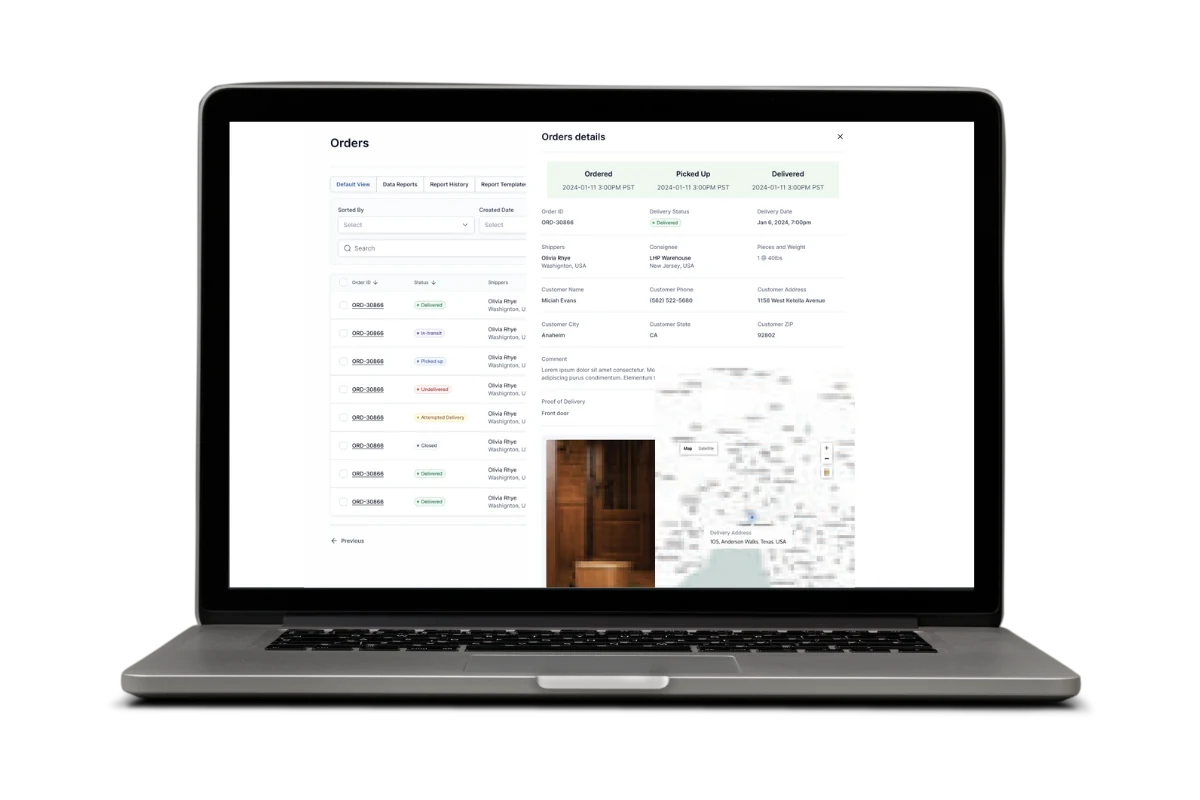
A customer in the CRM, an order in the ERP, and a shipment in fulfillment are related parts of one operation. Substrate defines those objects and their source fields, then uses that model to coordinate work across the systems.

Inside the Substrate architecture

Benmore Substrate

01 / Sources

Keep the source.
Connect its context.

Connect the systems that hold the business records. Define which fields remain in each source and which live in Substrate, so the operating model has an explicit relationship to the underlying data.

CRM / ERP / operational systems

02 / Ontology

One definition.
Across every system.

Nouns describe business objects: Customer, Order, Shipment. Their fields and relationships form an organization-level ontology shared by workflows, dashboards, intelligence, and applications.

Customer → Order → Shipment

03 / Governance

Context to decide.
Permission to act.

Roles define access to data and actions. Approval steps pause execution for a person’s decision. AI-assisted work operates within those permissions, with an audit trail of the actions performed.

Access → approval → action history

04 / Execution

Run the workflow.
Extend the operation.

Workflows update connected systems and coordinate the next action. Dashboards and AI use the shared context; applications built with Go become additional systems the workflows can work with.

Workflows / intelligence / Go applications

Six capabilities.
One operating layer.

Six platform primitives share the same business context. Workflows execute the process; nouns and governance define the records and rules they operate on.

01

Workflow orchestration

Define deterministic and AI-assisted processes that create records, update systems, notify teams, and request approvals.

02

Business ontology

Model objects, relationships, and field ownership. Reuse those definitions across workflows, dashboards, AI, and applications.

03

Governance & audit

Apply role-based access and approval requirements. Record actions so the execution history can be reviewed.

04

Contextual intelligence

Query connected business information and request work within the access and action permissions set for the user.

05

Operational views

Build dashboards and reports against the shared model, bringing source data and process status into the same view.

06

Application runtime

Use Benmore Go to build custom interfaces and applications that participate in the connected operation.

An order, end to end

Follow the record.
Inspect the decision.

An illustrative mapping shows how source fields, approval rules, and action history support one operational workflow.

01

Make field ownership explicit.

The order noun connects customer, commercial, and fulfillment information. A field mapping identifies where each value is held so applications can use the same business definition.

Order · shared objectExample data
Illustrative field mapping

One object. Defined sources.

Order · shared object example records
FieldSourceRecord
customerCRMCustomer
orderTotalERPSales order
shipmentStatusOperationsShipment
Shared records. Connected actions.
02

Separate a request from permission to act.

This example requires a finance reviewer before release. A pending approval holds the workflow at a defined step; downstream fulfillment follows the decision.

Order · approval boundaryExample data
Illustrative release process

Requested → Approved → Released

Order · approval boundary example records
StepRuleState
Request releaseSales roleRequested
Review orderFinance approvalWaiting
Release shipmentAfter approvalHeld
Shared records. Connected actions.
03

Keep the record of execution.

An action history connects the decision to the work it authorized. The example below shows an approval followed by an update and a notification.

Order · execution historyExample data
Illustrative audit entries

Decision, actor, and action.

Order · execution history example records
ActionActorResult
Approve releaseFinance reviewerApproved
Update shipmentWorkflowCompleted
Notify account teamWorkflowSent
Shared records. Connected actions.

Deployed with you.
Managed by your team.

Our forward deployed engineers work inside your operation. We map the work, deliver the first workflow, and expand from a working foundation.

01

Map & prioritize

Understand the process, systems, data, and people involved. Choose the first use case and define what successful delivery means.

02

Connect & define

Connect the source systems and establish the shared nouns. Agree on permissions and where approval is required.

03

Build & deploy

Implement the workflows, dashboards, and applications. Review them with the people who will rely on them.

04

Hand over & expand

Train your team, document the operation, and hand over management of the platform. Use what is connected to support the next deployment.

Questions about
Benmore Substrate

Does Substrate replace our existing software?

The Substrate is designed to work between your systems of record. Existing tools remain in place while workflows connect their data and actions. Where you need a custom application, we can build it as another connected part of the operation.

What do you mean by nouns or an operational model?

Nouns define the business objects your teams share: customers, orders, assets, and similar records. Each definition describes the fields and where they live. Workflows, dashboards, AI, and applications then use that common context instead of separate interpretations.

How do permissions and approvals apply to AI?

Governance defines what users can access and which actions they can request through AI. Workflows can pause for an authorized person’s approval. The action history records the work performed.

Do we need to deploy everything at once?

No. We start with a scoped process and the systems it needs. As workflows and shared data are established, further deployments can build on that foundation.

Who manages the platform after deployment?

Your team manages the workflows, dashboards, governance, and applications delivered during the engagement. Benmore provides documentation and training, with ongoing engineering support scoped to your needs.

Can it run on our infrastructure?

The Substrate supports hosted and self-hosted delivery. We work through your infrastructure, access, retention, and integration requirements during discovery.

Start with one
operational problem.

Bring us the work that needs to connect. We’ll map it with your team and scope the first deployment.